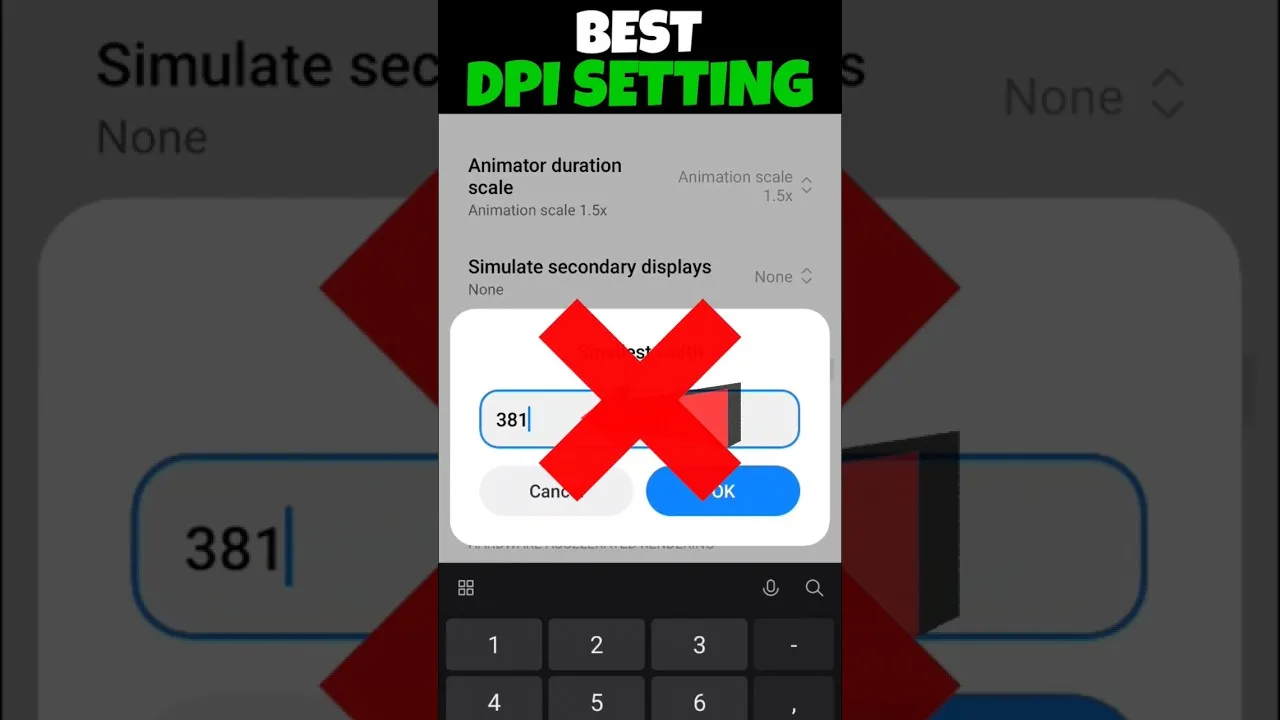
A settings backup is a record of the choices you have tuned over time: sensitivity values, DPI or display scaling, control layout, and the small preferences that make the game feel like yours. Without a backup, one update, reinstall, or new phone can erase weeks of careful adjustment in a minute.
Players who rely on Unlock Beta FF mobile app often discover the value of a backup only after losing a setup they loved. This guide shows how to record everything that matters in a few minutes, store it somewhere safe, and restore it cleanly, so your setup survives updates and device changes instead of living at their mercy.
What Is Worth Recording
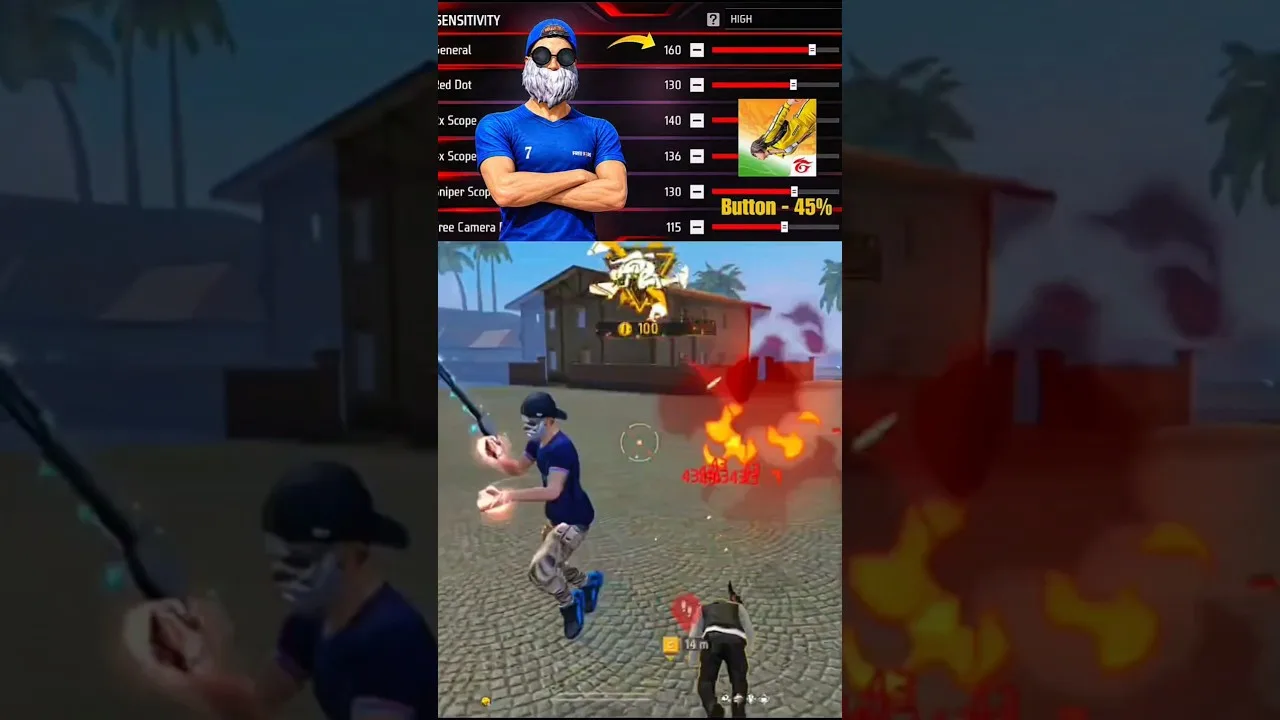
Record every value you changed deliberately: general, red dot, scope, sniper, and free look sensitivities, your DPI or display size choice, button layout positions and sizes if you customised them, and any audio or display preferences you would miss. A screenshot of each settings screen is the fastest complete record, with a written list as backup.
Note the context too: the phone model, and whether the values were tuned for a case, a screen protector, or a particular grip. Numbers without context confuse later, because a value that felt perfect on a large phone may need adjustment on a smaller one even though the number itself is copied exactly.
Where to Keep the Backup
Keep the record outside the game and ideally outside the phone: a notes app synced to your account, an email to yourself, or cloud storage you already use. A screenshot folder on the same phone helps with quick restores after an update, but it disappears with the phone, so the outside copy is the one that truly protects you.
Date each backup and keep the previous one when you save a new version. Settings evolve, and sometimes an older set turns out to suit you better after a change of play style. Being able to return to last month's values is as valuable as being able to restore yesterday's, and it costs nothing but a few seconds of naming.
When to Back Up
Back up whenever you finish a tuning session you are happy with, before any major update, and before changing phones or resetting a device. The update routine in how to update Unlock Beta FF pairs naturally with a fresh backup, because updates are the moment settings are most likely to be reset, re-asked, or carried into a build that behaves slightly differently.
Do not wait for a perfect setup before your first backup. A record of a good-enough setup is infinitely better than no record of a perfect one, and you can replace it as your tuning improves. Backups are cheap; rebuilding from memory is expensive, inaccurate, and usually ends with weeks of re-adjustment.
Restoring Step by Step
Restore in a calm order: display scaling or DPI first, then in-game sensitivities, then layout, then the smaller preferences. Test in training between stages rather than all at once, because a restored setup can still feel slightly different on a new build or device, and staged testing shows which value needs a nudge.
Use Unlock Beta FF sensitivity settings explained while restoring, because the values you are re-entering interact exactly as they did when you first tuned them. A restored DPI with unrestored sensitivity, or the reverse, produces the unbalanced feel that makes players think their backup was wrong, when really only half of it was applied.
Making Backup a Habit
Tie the backup to events you already remember: every time you update, every time you change a setting and keep it for a week, and every time you get a new device or accessory that changes your grip. A small habit attached to existing moments survives; a grand monthly routine you must remember separately usually does not.
Your settings are a personal asset built from your own testing time. A few screenshots and a dated note protect that investment completely. Once the habit exists, updates stop being a threat to your setup and become what they should be: new content arriving on top of a foundation you control and can rebuild anywhere.
Backing Up Beyond the Settings Screens
A complete backup also captures the things around your settings: which sensitivity set belongs to which phone, any notes about values you tried and rejected, and the order in which you like to restore. Rejected values matter more than they seem. Without them, a future tuning session wastes an evening rediscovering numbers you already proved do not suit you, while a short rejected list quietly steers every later adjustment in profitable directions only.
Review your backup whenever the game receives a major update, because new builds sometimes add settings, rename old ones, or change what a value controls. Updating your record at that moment keeps it truthful, and a truthful backup restores confidence as well as numbers. The goal was never paperwork for its own sake: it is the freedom to update, experiment, and change devices boldly, knowing that the setup you built can always come home again in a few calm minutes.
Store one printed or handwritten copy as well if your setup matters to you. Digital notes are convenient, but a single sheet kept with your gaming things survives account problems, phone losses, and every sync failure at once. It takes two minutes to write your core numbers by hand, and on the day everything digital is unavailable, that sheet becomes the fastest restore you own. Redundancy sounds excessive only until the first time it quietly saves a setup you spent a season building.