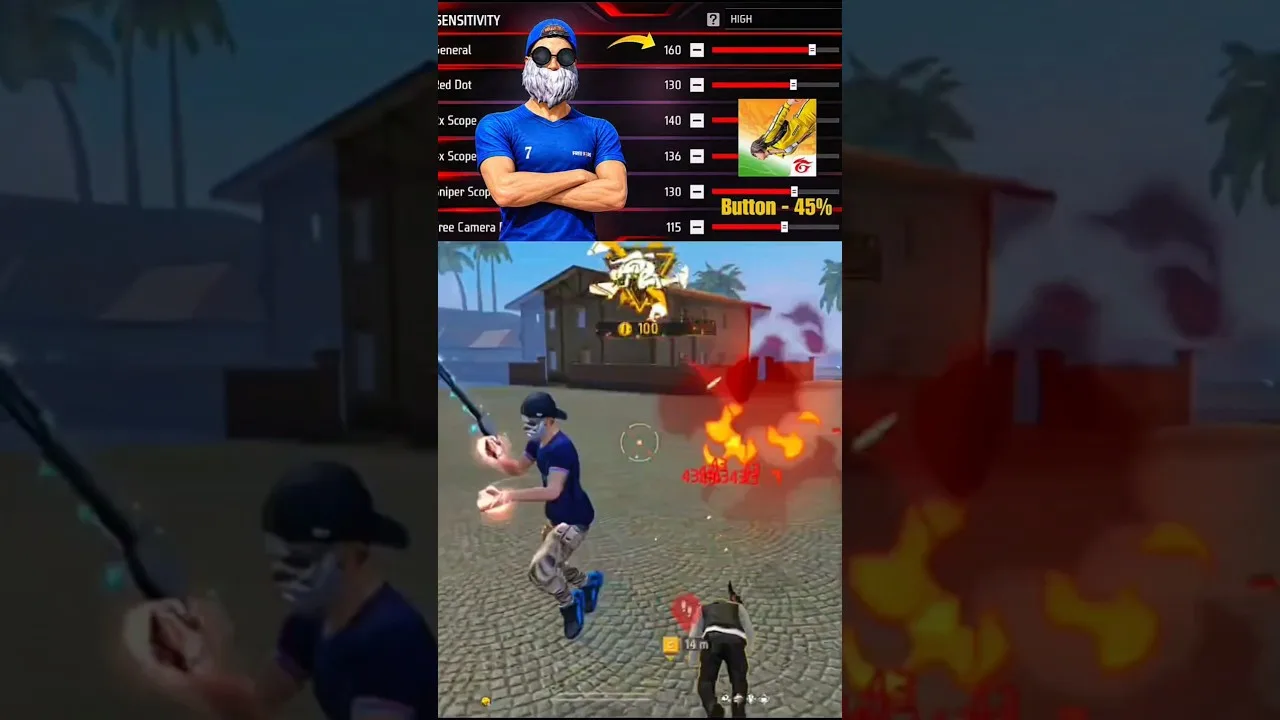
Sensitivity settings control how fast your view and aim respond when you drag on the screen. Higher values turn your character and crosshair faster with a shorter swipe, while lower values move more slowly and steadily. Finding the right middle ground is one of the biggest factors in consistent aim.
Players setting up Unlock Beta FF beta unlock app often copy values from a video and wonder why they feel wrong. Sensitivity is personal: it depends on your phone size, your grip, your swipe length, and the scopes you use most. This guide explains what each control does so you can build your own values instead of borrowing someone else's.
What the Main Sliders Control
General sensitivity affects how quickly the camera moves during normal play when you are not aiming down a sight. It shapes turning, scanning, and close-range tracking. Red dot, scope, and sniper sensitivities each apply when that sight is active, which is why your aim can feel perfect in one situation and wild in another: each view has its own value.
Free look controls the camera when you are checking your surroundings without moving your aim. Treat it separately, because a fast free look is useful for awareness even if you prefer calmer aiming values. Adjusting one slider at a time, in a fixed order, shows you exactly which change helped and which one hurt.
Start From the Middle, Move in Small Steps
A reliable method is to start every value near the middle of its range, play several matches, and then change one value by a small step in the direction you need. Drag aim that overshoots targets usually needs a small reduction. Aim that cannot reach a moving target usually needs a small increase. Large jumps make the cause impossible to judge.
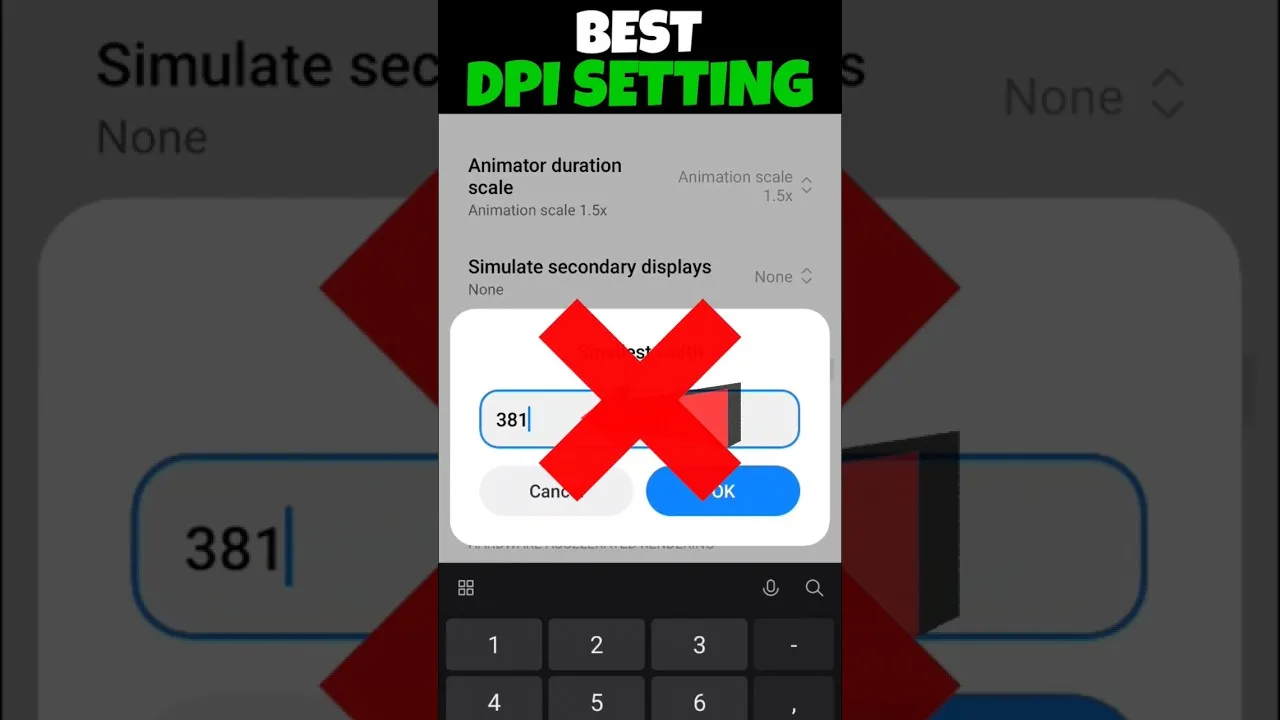
Give each change a fair test before judging it. Your hands need a few matches to adapt, and judging a value after thirty seconds leads to endless switching. Players who also adjust display scaling should read Unlock Beta FF DPI settings guide as well, because sensitivity and DPI interact: changing both at once makes it impossible to tell which one improved your aim.
Matching Sensitivity to Your Play Style
Close-range players who rush and turn quickly often prefer higher general and red dot values, because fast flicks matter more than fine control. Long-range players usually prefer calmer scope and sniper values, because a small swipe at high magnification covers a large distance on screen. Neither style is better; the values should serve the fights you actually take.
Consider your swipe space too. Players who use short thumb swipes need higher values to complete the same turn that a long-swipe player makes at lower values. This is why copying a professional player's numbers rarely works: their grip, device, and swipe habits are built into those numbers.
Testing in Training Before Matches
Use training or practice areas to test changes against still and moving targets before taking them into real matches. Practise dragging onto a target and stopping exactly on it, then turning one hundred and eighty degrees, then tracking a moving target at your usual fighting distance. Weakness in one of those three tests points to a specific slider.
Screen size changes the feel of the same numbers, so if you play on more than one device, keep separate notes for each. The combinations in Unlock Beta FF settings by phone size show how values shift between compact and large phones, and keeping a written record of your best values per device saves you from rebuilding them after every update or reinstall.
Keeping Your Settings Stable
Once you find values that work, stop changing them for a while. Muscle memory is the real benefit of good sensitivity, and it only forms when the settings stay still long enough for your hands to learn them. Save a screenshot or a written copy of your final values somewhere outside the game so an update or a borrowed phone never costs you your setup.
Revisit your values only when something real changes: a new phone, a new screen protector that alters glide, or a deliberate change of play style. Small, reasoned adjustments keep improving your aim over a season. Constant random changes reset your learning every week, and no set of numbers can help a player who never keeps them long enough to learn them.
Signs Your Sensitivity Needs Attention
Certain patterns in your play point directly at sensitivity. If you consistently drag past targets and have to correct backwards, your values for that view are likely a touch high. If you run out of screen before completing turns, or lose moving targets because your aim arrives late, the relevant value is likely low. If your aim feels fine at long range but frantic up close, your scope and general values are probably pulling in opposite directions, and adjusting only the frantic one restores the balance without disturbing what already works at distance.
Record what you observe before you change anything, ideally across several matches rather than one bad fight. Single fights lie: connection dips, tired hands, and a strong opponent can all imitate a settings problem for a few minutes. Patterns across a session tell the truth. Change values in response to patterns, in small steps, with a fair test afterwards, and your sensitivity will converge on the right numbers steadily instead of wandering around them forever, which is where most players lose their aim progress.