A login issue is any problem that stops you reaching the main screens after opening the app, from a sign-in that spins forever to a message saying the server or region is unavailable. These problems feel personal, but they usually come from account state, connection quality, or a region mismatch between your account and the build you are opening.
Players using Unlock Beta FF for Free Fire beta meet login and region messages most often during active test windows, when servers are busiest and access groups are strictest. This guide separates the causes so you can fix the ones that belong to you and calmly wait out the ones that belong to the test programme.
Why Sign-In Gets Stuck
Sign-in is a conversation between your phone and a server, and anything that interrupts that conversation can freeze it: an unstable connection switching between Wi-Fi and mobile data, a time or date setting that is far from correct, or cached login data damaged by an interrupted earlier attempt. Each cause has a simple check before you touch anything drastic.
Start by fixing your connection to one stable network, confirming automatic date and time are on, and restarting the app fully rather than tapping retry on a stuck screen. If sign-in still stalls, clearing the app cache removes damaged temporary login data while keeping the app installed and your device setup intact.
Understanding Server Region Messages
Games commonly divide players into server regions based on account creation or location, and test builds often open for only some regions at a time. A region message usually means your account region is not in the current test group, not that your account is broken or banned. The build is simply not addressed to your region yet.
Changing regions casually can create bigger problems than waiting, including mismatched progress and accounts locked to unexpected servers. The background in Unlock Beta FF beta access explained explains how access groups and queues are normally organised, and it makes region messages much easier to read: they describe the test group's boundaries, not your standing as a player.
Account Binding and Verification Delays
Login flows that involve account binding or verification steps can pause when details are entered inconsistently or when a confirmation is left half finished. Complete each step in order, use the same account you normally play with, and avoid starting the flow again in a second window or a second copy of the app while the first attempt is still pending.
If a verification prompt returns after an update, treat it as the app re-confirming your account rather than losing it. Complete it once, carefully, and then give the servers a few minutes before judging the result. Repeated rapid retries can extend delays, because each new attempt joins the back of the same queue you are trying to leave.
Connection Problems That Look Like Login Problems
A weak or filtered connection often presents as a login failure, because sign-in is the first server conversation the app attempts. Test the same connection with another online app, move closer to the router or to a stronger mobile signal, and avoid crowded public networks during sign-in, since they commonly block or interrupt game traffic.
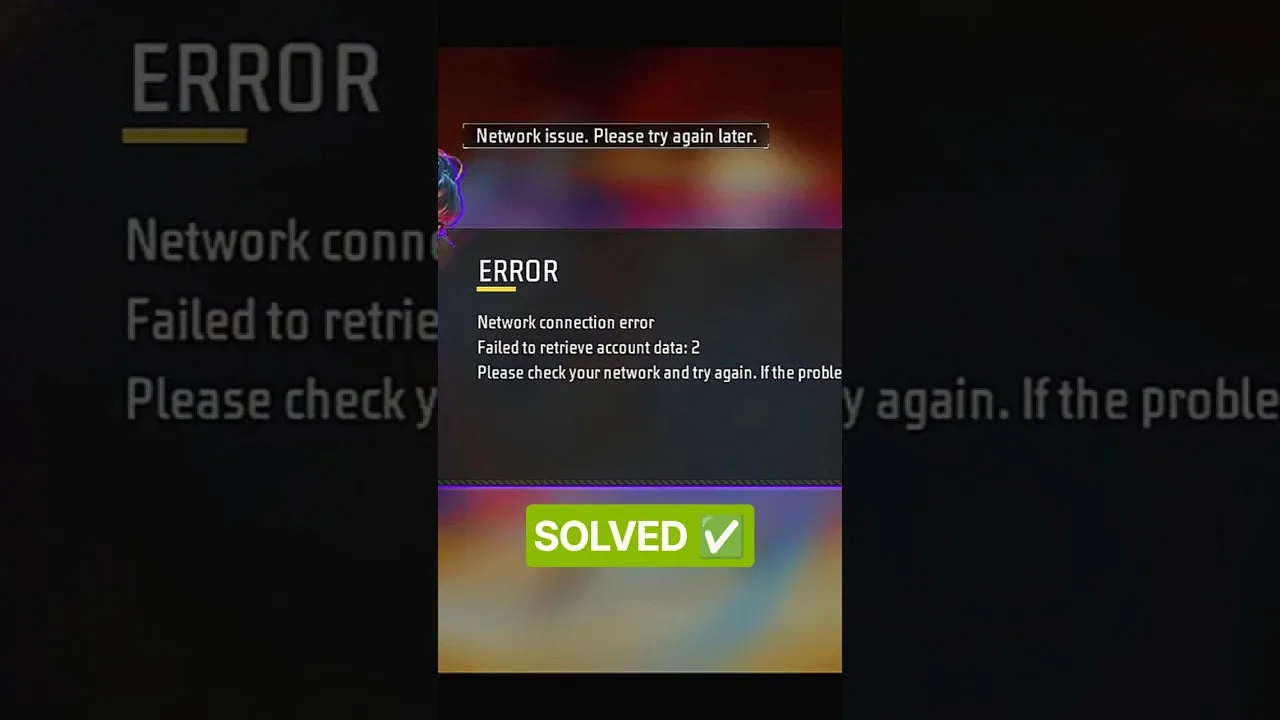
When the message mentions maintenance, capacity, or an error code you have not seen before, compare it with Unlock Beta FF common beta errors and fixes before changing account settings. Several beta errors imitate login faults while actually describing server state, and treating a server pause as an account problem leads to password changes and reinstalls that solve nothing.
A Calm Checklist for Access Problems
Work through the causes in order: stable connection, correct date and time, one clean app restart, cache cleared, verification completed once, and region message read literally. That short sequence resolves the large majority of login complaints without removing the app or touching the account itself, and it leaves everything exactly as it was if the real cause turns out to be server side.
If the checklist fails and the message clearly names your region or a closed window, waiting is the correct action, not a defeat. Test access expands in stages, and an account that cannot enter today often enters the next window with no changes at all. Patience, in region matters, is a genuine troubleshooting step.
When Login Problems Follow You Between Devices
If the same account fails to sign in on a second device or after a clean install, the cause is almost certainly account or server side rather than your phone's setup. Note the exact message, the time, and your region, then wait and retry at a different hour before escalating your response. Test servers have busy periods, and an account that fails during a crowded evening often signs in cleanly the next morning with nothing changed at your end except the load on theirs.
Keep your account recovery options current while you wait: a working email or linked method you control, and sign-in details you actually remember rather than details saved only inside the app you cannot open. Login trouble is stressful precisely when recovery information is stale. Ten calm minutes spent keeping account access healthy during a quiet week prevents the worst version of this problem entirely, and it is the one preparation no troubleshooting guide can perform for you afterwards.
Document your working state once access succeeds: the network you used, the account you signed in with, and any step that finally cleared the block. That small record turns the next login problem from a fresh mystery into a comparison exercise, because you can check what changed between the state that worked and the state that does not. Most recurring access trouble is solved by exactly that comparison, performed calmly, long before passwords are reset or applications are removed in frustration.