Performance on a low end phone is mostly about headroom: enough free storage, enough free memory, and a cool enough device for the processor to keep its speed through a full match. Small, steady habits protect that headroom far better than any single miracle setting advertised in a video.
Owners of modest phones who use Unlock Beta FF Android app do not need a new device to get a fair experience. They need the phone prepared before each session and the game's demands matched to what the hardware can honestly give. This guide collects the habits that make the biggest real difference on entry-level hardware.
Free Storage Is Performance Storage
A nearly full phone slows everything, because the system needs working space for caches, updates, and temporary files. Keeping a comfortable margin of free storage, ideally well over a gigabyte, prevents the stutters and failed loads that appear when storage runs out mid-session. Move photos and videos to other storage and remove apps you no longer open.
Check storage before blaming the game for lag. The check in Unlock Beta FF device compatibility guide is worth rereading if your device is older, because compatibility on paper and comfortable performance in practice are different things, and storage is the most common hidden reason a compatible phone still struggles.
Close the Background Honestly
Background apps consume the memory your game needs, especially browsers with many tabs, social apps holding media, and other games left open. Before a session, close recent apps properly and give the phone a moment to settle. A restart before a longer session clears even more and costs only a minute.
Downloads and updates running during play are another hidden load. Pause large downloads, let app updates finish earlier in the day, and avoid recording the screen on hardware that already works hard, since recording adds encoding work to every frame the phone produces. Smooth play on a small phone is mostly about asking it to do one job at a time.
Heat Is the Silent Frame Killer
Phones slow their processors when they get hot, which is why a device can feel smooth for ten minutes and rough for the rest of the match. Play away from direct sun, remove a thick case during long sessions if the phone heats noticeably, and avoid charging while playing when you can, because charging adds its own heat.
Short breaks between matches let temperatures fall and performance return. If your phone regularly becomes uncomfortable to hold, that is information, not something to push through: lower your session length, lower in-game visual demands, and let the hardware work within the temperature range where it can actually sustain its speed.
Match In-Game Choices to the Hardware
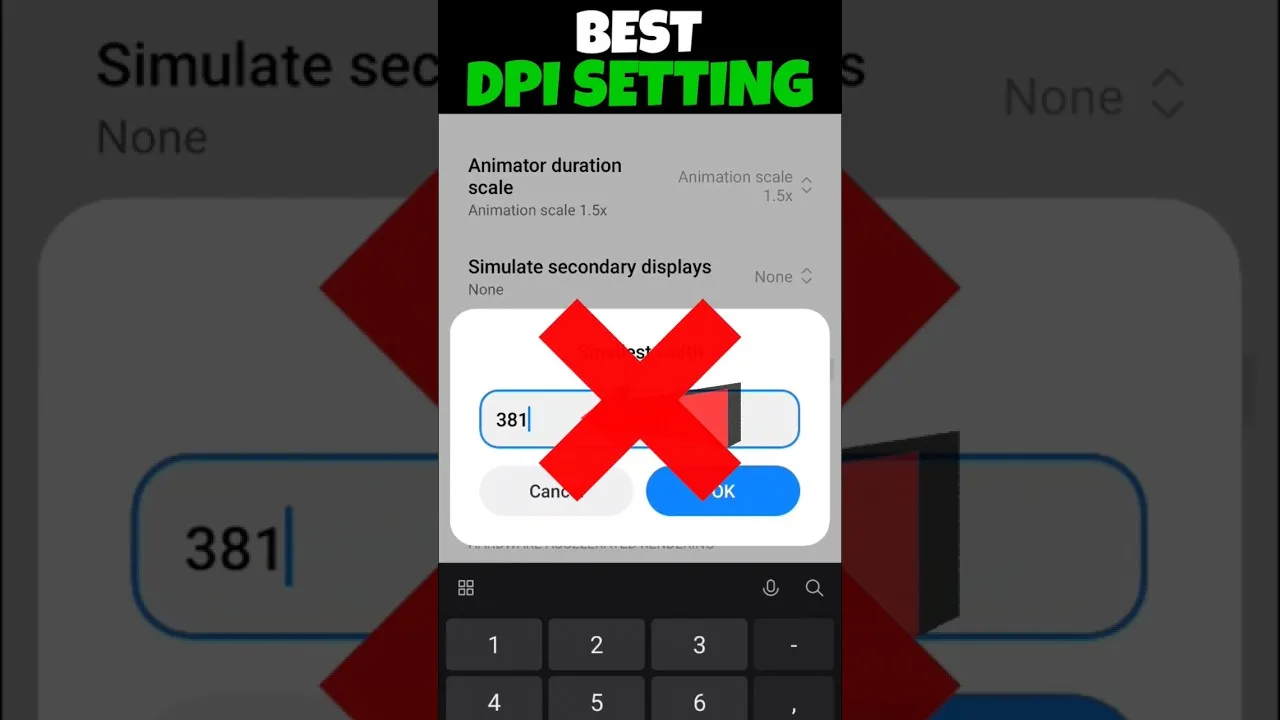
Choose smoother performance options over prettier ones wherever the game offers the choice, and treat high visual settings on entry hardware as a loan the phone repays in stutter. Display scaling choices matter too: the method in Unlock Beta FF DPI settings guide helps you test modest values that keep controls responsive without shrinking the interface beyond what a small screen can handle.
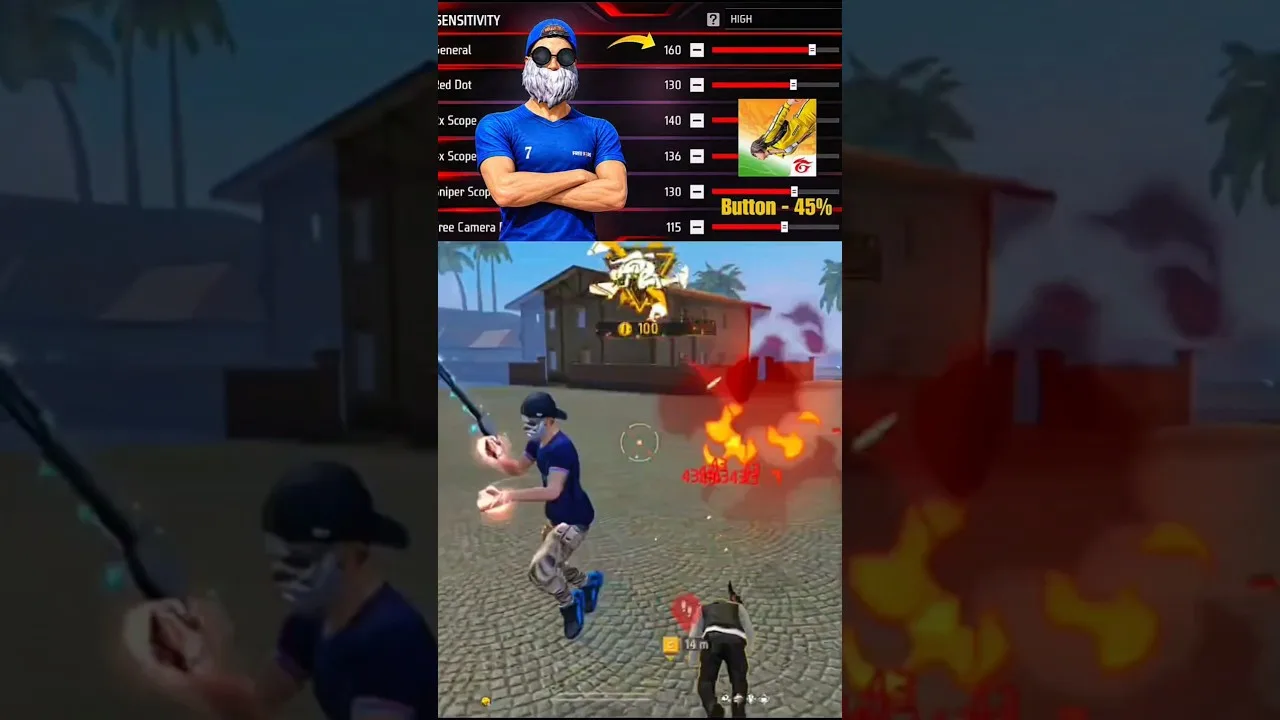
Sensitivity deserves the same honesty. Values that demand constant fast correction cost more effort on a device with a smaller touch surface, so build your setup from the middle of the ranges and favour control you can repeat over speed you can only sometimes manage. Repeatable aim beats spectacular aim that collapses under device strain.
Build a Pre-Session Routine
A two-minute routine ties everything together: check storage, close background apps, pause downloads, let the phone cool, and open the game once, cleanly. Repeated every session, it removes the random causes of bad performance and leaves only the game's real demands, which your settings choices have already matched to the device.
Low end phones reward this kind of care more than expensive ones, because their headroom is small enough for preparation to double it. Players who prepare consistently often report a better experience than careless players on stronger hardware. The gap between devices is real, but the gap between prepared and unprepared is entirely yours to close.
Network Smoothness on Modest Hardware
Not all roughness is the phone's fault. A weak or crowded connection produces stutters, delayed responses, and rubber-banding that players often blame on their device, especially on low end hardware where real frame problems also exist. Learn to separate them: frame problems stutter everywhere including menus and training, while connection problems strike in live matches, worsen at busy hours, and improve instantly on a stronger network or a quieter time of day.
Play closer to your router, prefer the less crowded band your router offers, and avoid sessions while the household connection is carrying large downloads or streams on other devices. On mobile data, a stable moderate signal beats a fluctuating strong one. These steps cost nothing and require no new hardware, yet they remove the share of poor performance that no graphics setting can touch, leaving your modest phone to be judged only on the work it actually does.
Judge your improvements over a week, not a single match. Performance on a modest phone varies with heat, network load, and how the device has been used that day, so one brilliant or terrible session proves very little. Keep the routine steady, note the general trend, and adjust only when the trend itself is clear. Players who evaluate patiently end up with setups that work on ordinary days, which is the only standard that matters, because ordinary days are where almost all of your playing actually happens.