Testing a new feature safely means exploring it in a deliberate order, on a prepared device, with your main settings protected, so that a faulty test build costs you an interesting hour rather than your setup, your progress expectations, or your temper. A little structure turns testing from a gamble into a routine.
Players exploring through Unlock Beta FF utility app are often first to see new content, which is exciting and exactly why a method matters. Test builds change quickly, and the players who enjoy them most are the ones who prepare, observe carefully, and keep their everyday game separate from their experiments.
Prepare Before You Explore
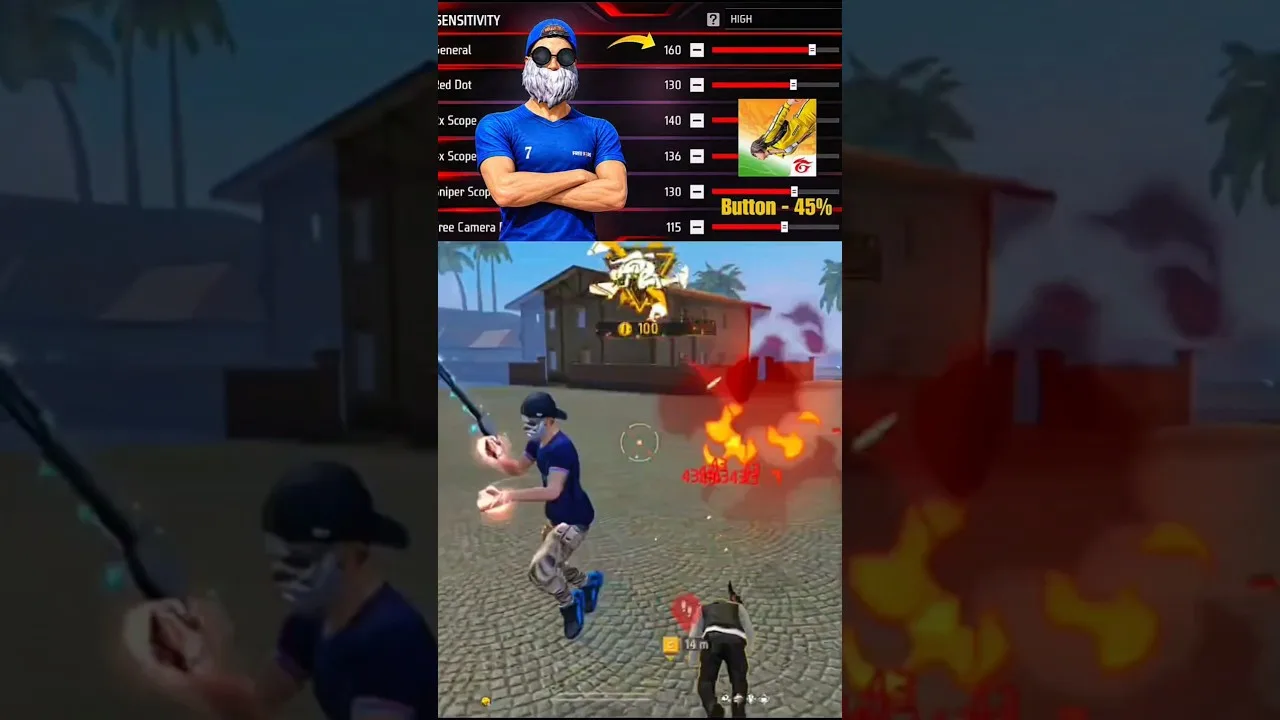
Start with the basics: enough battery, enough free storage, a stable connection, and a backup of your current settings recorded somewhere safe. Note your existing sensitivity and display values before a test session, because new builds sometimes reset or reinterpret them, and a written record makes any change reversible in minutes.
Decide in advance what you are testing. A session with a purpose, such as trying one new mode or one changed feature, produces clear impressions. A session that tries everything produces a blur, and when something feels wrong you cannot say which change caused it. Focus is what separates testing from just playing early.
Explore in a Low-Stakes Order
Begin in training or the least costly mode available, where a crash or a strange interaction costs nothing. Learn what the feature does, where its controls live, and how it behaves with your normal settings before taking it into matches that matter to you. Most test features reveal their problems in the first relaxed session.
The comparison in Unlock Beta FF beta vs stable differences helps set expectations at this stage, because behaviour that would be a scandal in a public build is ordinary in a test build. Judging a test feature by finished-product standards creates needless alarm, while judging it by test standards tells you what feedback is actually useful.
Notice and Note Problems Properly
When something breaks, note the feature, the exact action you took, your device, and whether it happens again when you repeat the action. A problem you can reproduce is worth ten vague impressions, because it can be understood and fixed. A problem that never repeats was likely a one-off state, a connection dip, or device strain.
Screenshots or short recordings help when they are easy to take, but written notes made immediately are nearly as good and always available. Write them during the session rather than trusting memory afterwards; by the evening, three separate glitches blur into one unreliable story that helps nobody, including you.
Protect Your Main Game and Accounts
Keep test progress expectations low and your main account habits unchanged: same password discipline, same care with verification steps, and no sharing of codes or access with people offering shortcuts into test content. Advice in Unlock Beta FF what to expect from test builds about what test programmes normally promise and withhold is worth rereading whenever a test build asks for something that feels unusual.
If a test build behaves in a way that worries you, stop and return to your regular game. Testing is voluntary at every moment, and a build you distrust today may be replaced by a better one in the next window. Walking away from a bad build is part of testing safely, not a failure of curiosity.
Turn Testing Into an Advantage
Players who test methodically gain a real edge: they understand new features before public release, their settings are already tuned when content goes live, and they can judge community hype against their own experience. That advantage comes entirely from preparation and notes, not from access alone, and it compounds across every test window in a season.
Keep the routine light enough to repeat: prepare, focus, explore low-stakes first, note what breaks, and protect your main setup throughout. Followed consistently, it makes every beta window enjoyable and useful, and ensures that the only thing a rough test build can cost you is the time you chose to give it.
Deciding When a Feature Is Ready for Your Main Sessions
After exploring a test feature, judge it against three questions before using it seriously when it reaches the public build. Did it work reliably across several sessions rather than once? Do you understand its controls well enough to use them under pressure? And do your existing settings still feel right with it, or does it demand adjustments you have only half made? Three honest yes answers mean the feature is ready for you, whatever its official release state happens to be.
If any answer is no, keep practising in low-stakes sessions and note what still feels unfinished, either in the feature or in your handling of it. That distinction matters: a feature can be complete while your familiarity is not, and confusing the two leads players to dismiss good content or trust their own untested habits. Testing safely includes testing yourself, calmly and honestly, before the matches start to count.
Share your findings generously when the window closes. Other players deciding whether a new public feature deserves their time will trust a tester's calm, specific account far more than launch-day excitement. Describe what the feature does, where it stumbled, and what it demands from a device, and you give the community the same preparation this guide tried to give you. Testing safely is partly a personal discipline and partly a culture, and every clear report strengthens it for the next window's newcomers.